The viewfinder, in your hand
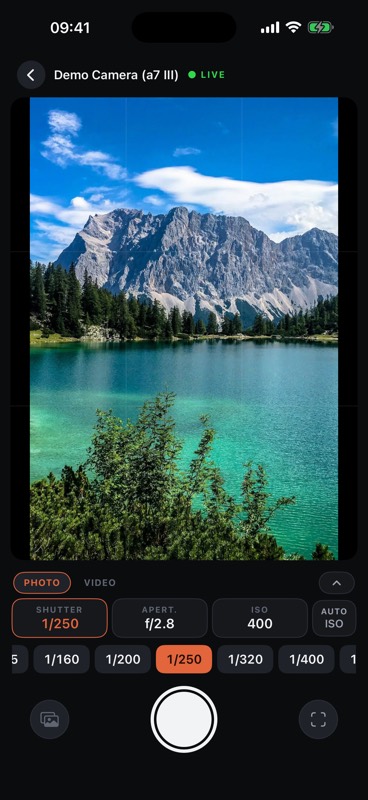
A live picture from the camera, the shutter under your thumb, and shutter speed, aperture, ISO and white balance on dials you drag rather than tap one value at a time.
For Sony α bodies · iPhone, iOS 17+
Live view, shutter, exposure and focus on your phone. Browse the memory card and pull photographs across, or have the camera send RAW and JPEG straight to you as you shoot. No cable, no computer, no cloud.
Free for a week · then $2.99 once · no subscription
What it does
A live picture from the camera, the shutter under your thumb, and shutter speed, aperture, ISO and white balance on dials you drag rather than tap one value at a time.
Set an interval and a length; the app tells you how long it will shoot and how short the video will be, and lets you drag back through the frames while it shoots. When it's done, the video assembles itself on the phone, no computer — and can be rebuilt up to 4K from the originals.
Point the camera's FTP transfer at the app and files arrive as they are shot, RAW and JPEG both. Nothing is uploaded anywhere; your phone is the destination.
Browse the card by day or by folder, pick what you want and pull it over — at full size, or at a smaller one when the wait matters more than the pixels.
The full list
How it works
The camera shows a QR code in its network menu; the app scans it and joins the camera's Wi-Fi by itself. Once paired, it reconnects on its own.
Live view with the exposure on dials, a focus button that half-presses like the camera's own, and an intervalometer that turns the series into a video on the phone.
Browse the card and pull what you keep — or let the camera push RAW and JPEG to the phone as you shoot, over its FTP transfer.
What it looks like
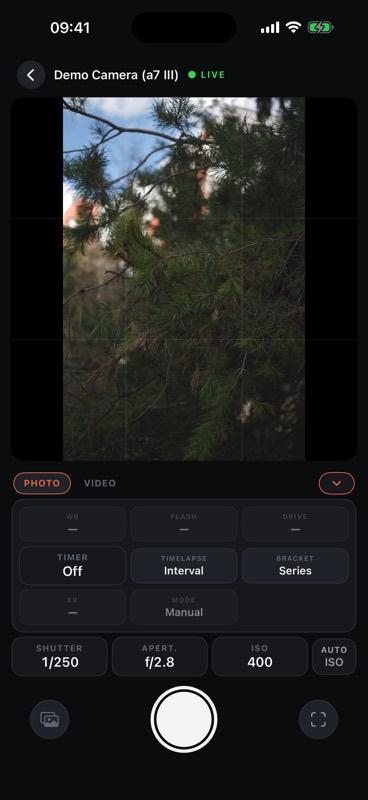
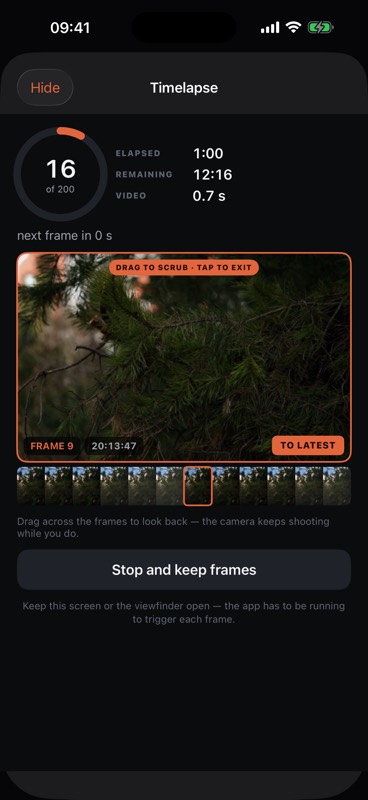
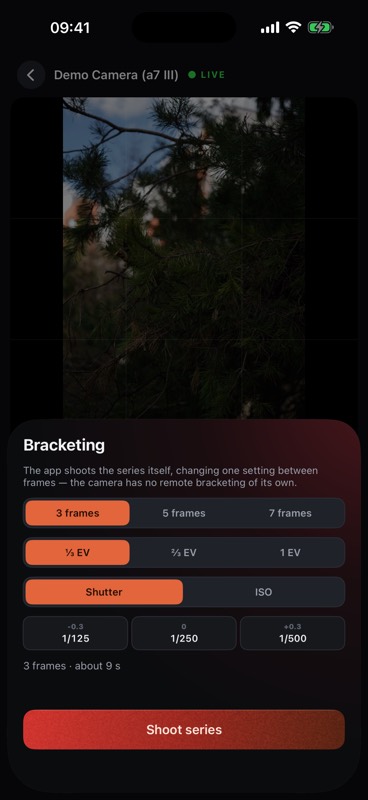
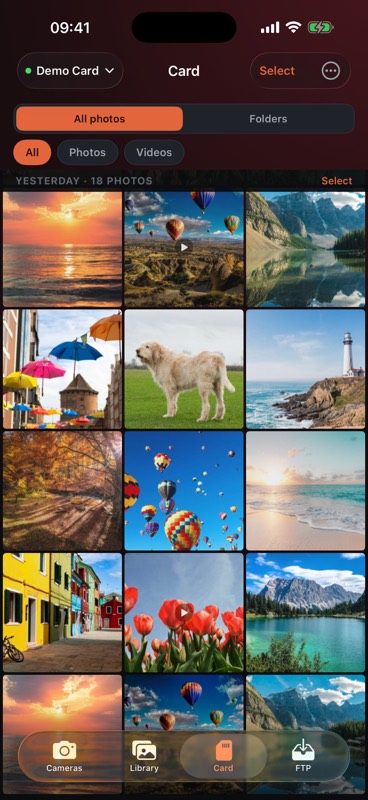
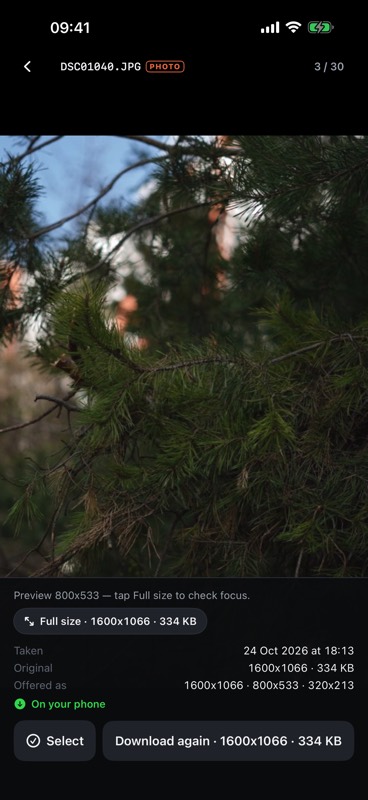
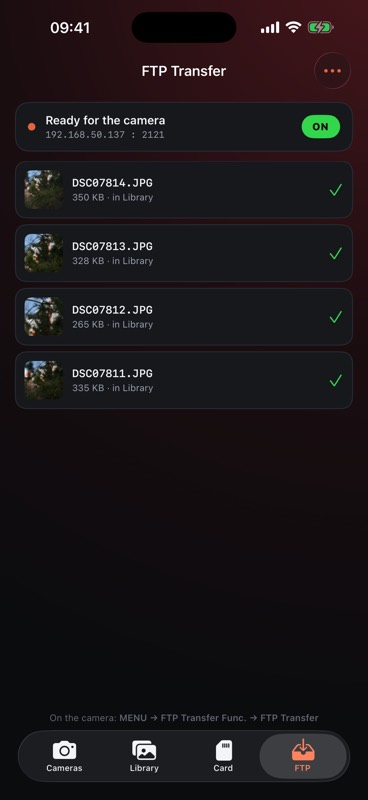
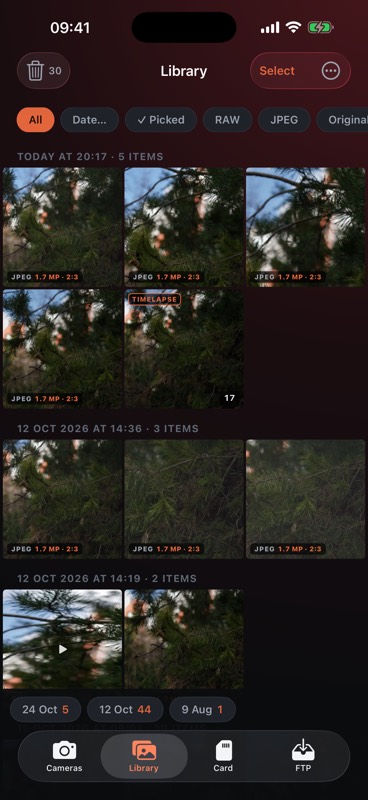
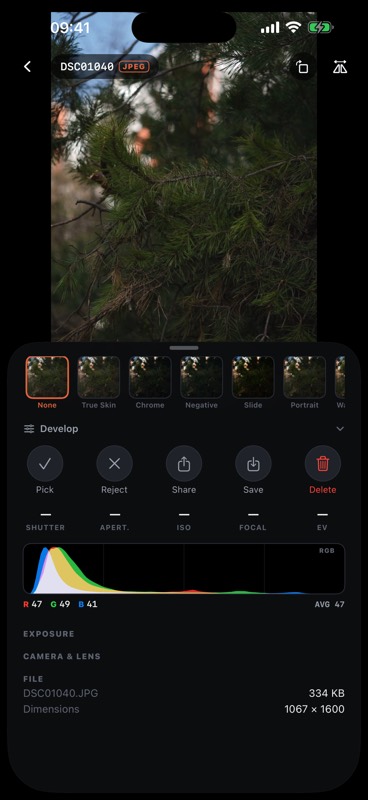
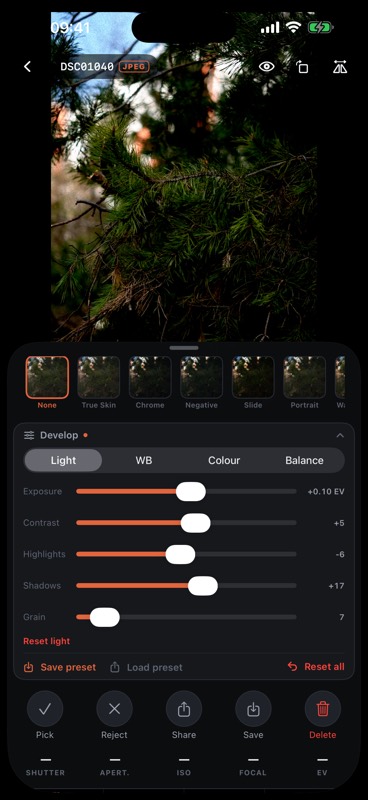
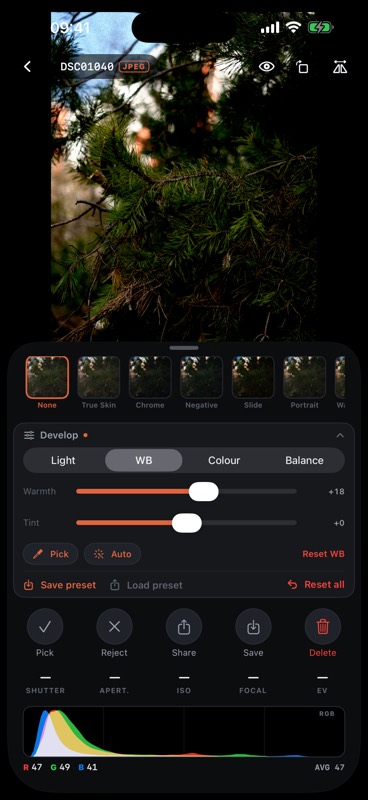
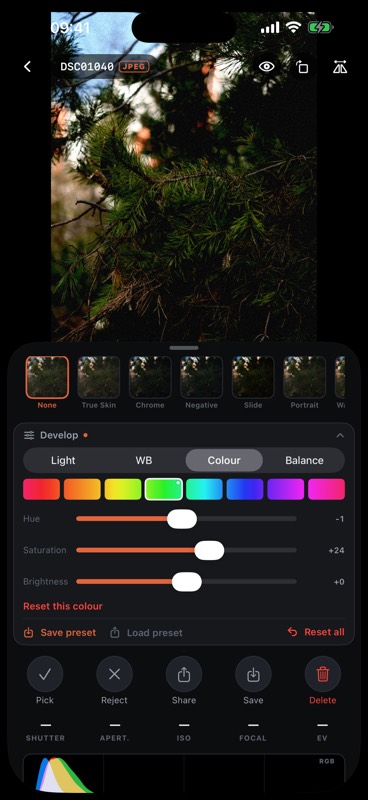
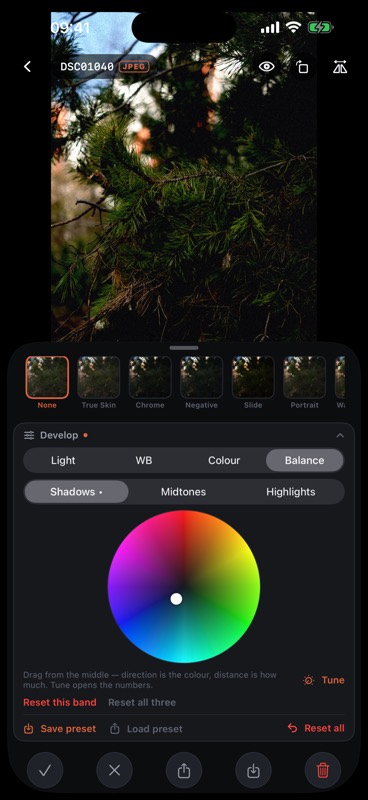
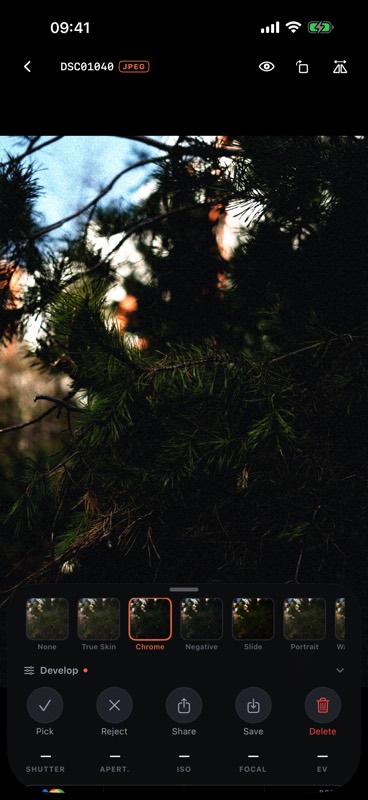
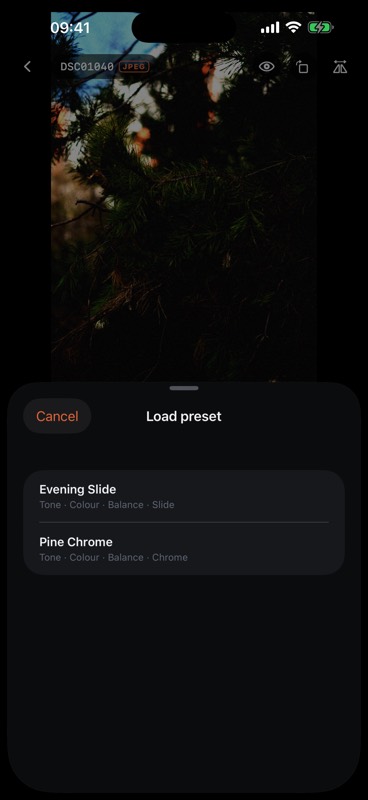
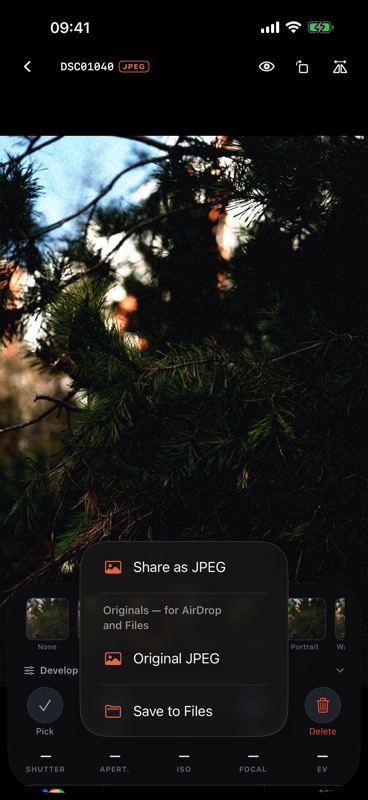
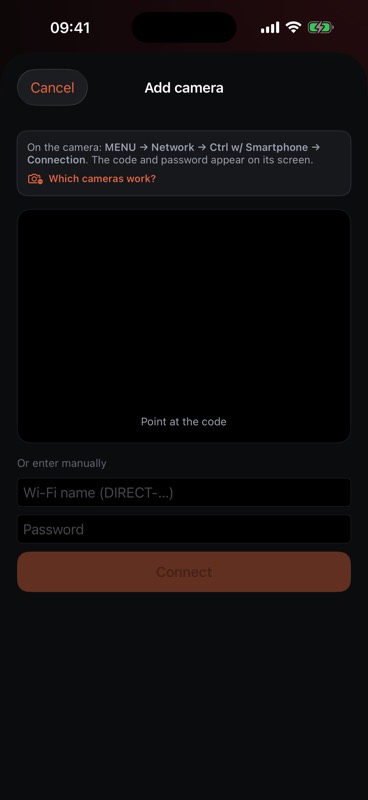
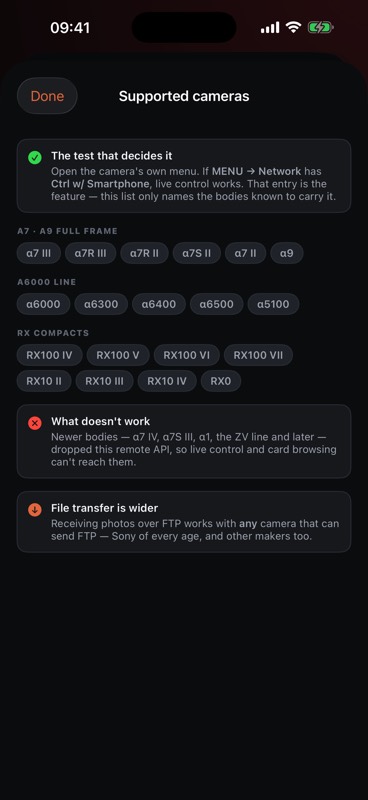
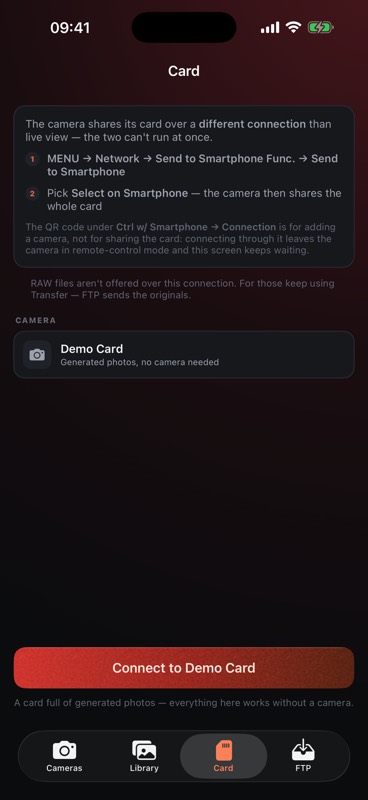
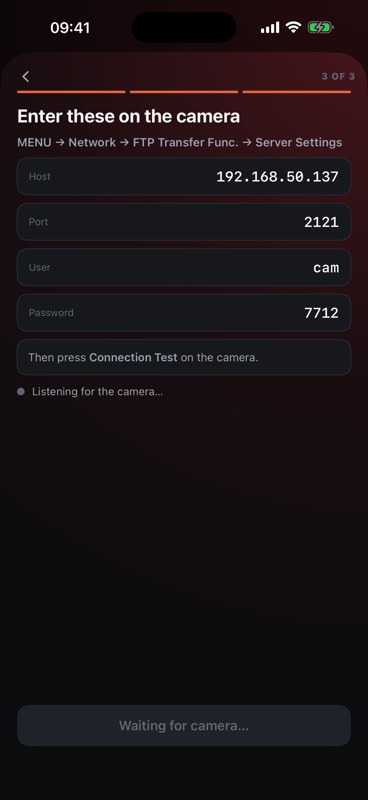
Shown against the built-in demo camera and demo card, which ship with the app. How to connect your own →
What it costs

Or get it free, while codes last
A handful of lifetime unlocks are set aside here. Each code works once — if the App Store says it's been used, take another.
What you need
The full list of bodies, and how to connect each way →
Camera Red is not made by, endorsed by or affiliated with Sony. Newer bodies (α7 IV, α1, α6700 and others) use a different protocol and cannot be controlled by this app.
Questions
Bodies with Sony's Camera Remote API — the ones with “Ctrl w/ Smartphone” in their network menu. Most models from roughly 2014 to 2019: α7 III, α7R III, α9, α6000/6300/6400, RX100 IV and later. Newer bodies (α7 IV, α1, α6700) use a different protocol and are not supported.
On the camera, open MENU → Network → Ctrl w/ Smartphone → Connection; in the app, tap Add camera and scan the QR code the camera shows. The app joins the camera's Wi-Fi by itself and remembers the pairing. The card is shared through Send to Smartphone, and RAW travels over the camera's FTP Transfer Func. — the connection guide covers all three step by step.
Yes — over the camera's own FTP transfer, ARW and JPEG arrive on the phone exactly as shot. The card browser pulls JPEGs; for shots taken as RAW-only the card offers previews, so RAW itself travels over FTP.
No. Everything moves between the camera and your iPhone over local Wi-Fi. No accounts, no cloud, no analytics — the app doesn't talk to anything except your camera.
No. A week free, then $2.99 once. Photographs already on your phone stay open whether you buy or not.
No — the app is the intervalometer. It shoots the series, assembles the video on the phone with no computer, and can rebuild it up to 4K once the full-size originals are fetched.
The α7 III and α7R III (firmware 3.00 or later) and the α6400 have interval shooting of their own, but it leaves stills to assemble on a computer. On the α6000, α6300, α6500 and RX100 IV/V timelapse was Sony's Time-lapse camera app — and PlayMemories Camera Apps downloads ended on 31 August 2025, so a reset camera can't get it back.
Remote control is Sony-specific. Receiving files is not: any camera that can push over FTP can send photographs straight to the app.
Contact
Questions, bug reports, a camera you'd like supported — write to menceralexust2@gmail.com. It reaches the person who wrote the app, and gets an answer.